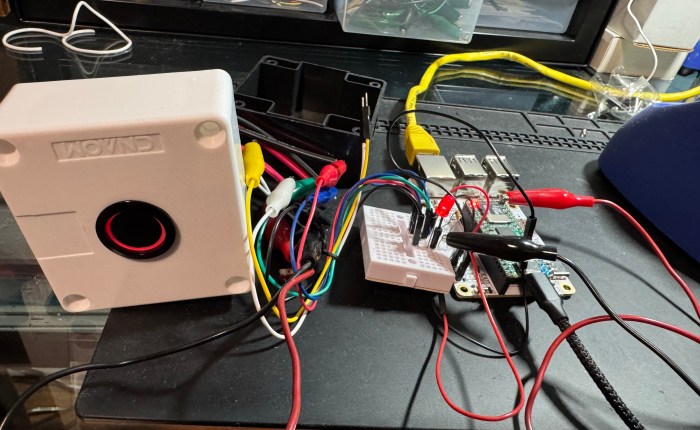
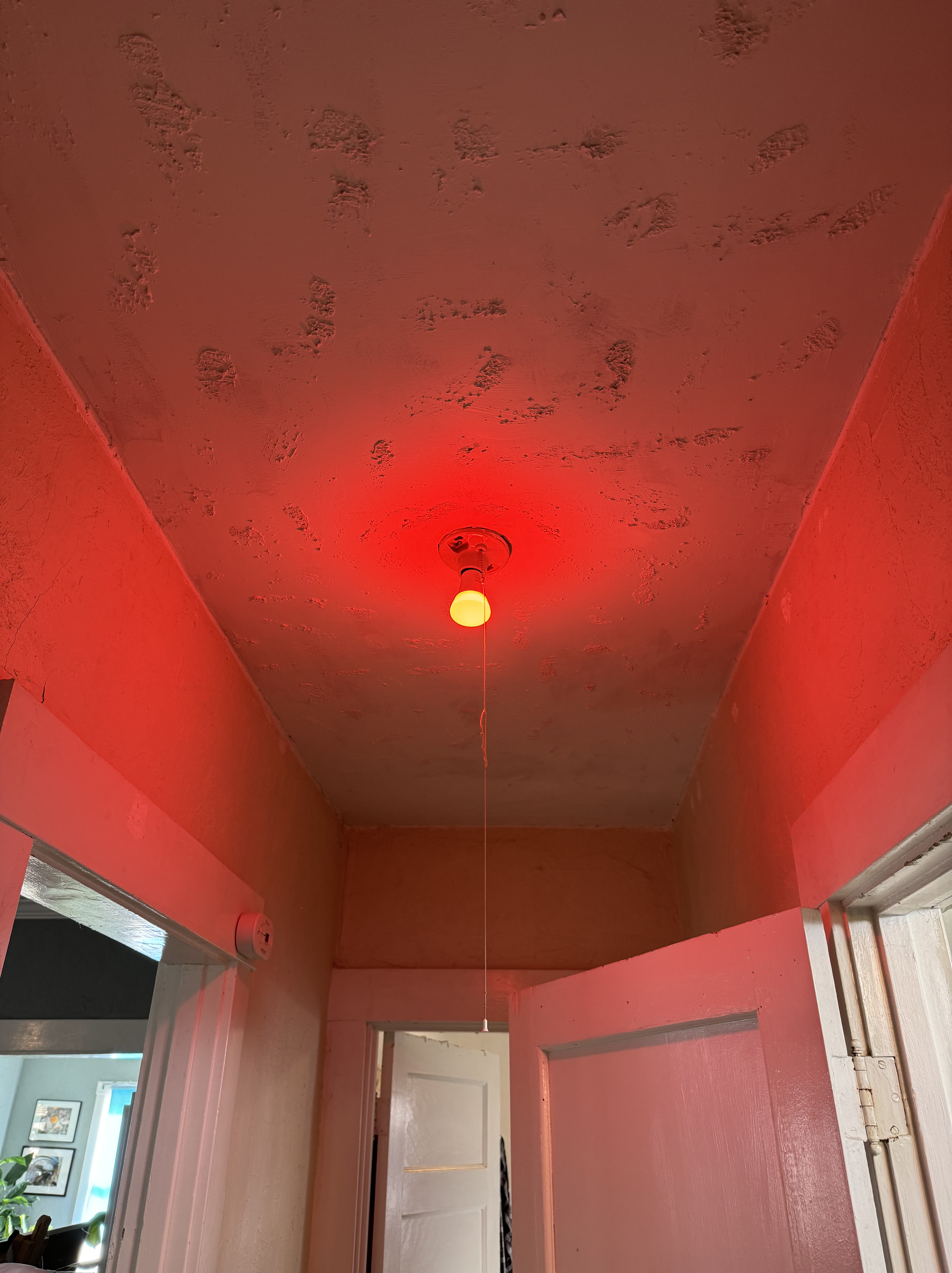
As I have a dedicated room for my office in our house and work from home, my wife doesn’t always know when I’m in a meeting. To me the obvious technical solution here was to hook up a networked lightbulb and control it with a big illuminated button on my desk, changing it from blue to red whilst I Zoom.
System Overview

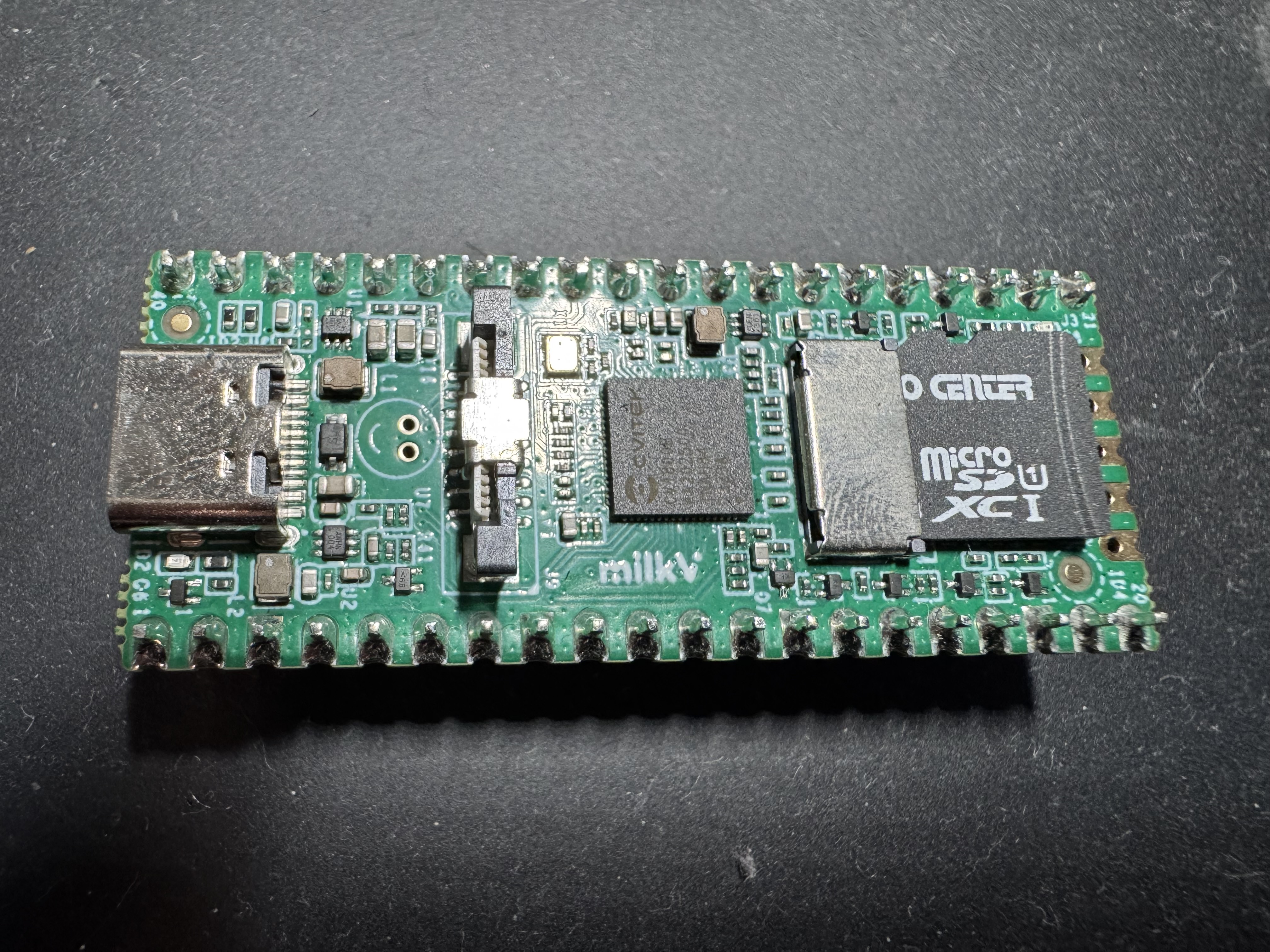
I used a $5 RISC-V single-board computer called the Milk-V Duo. This thing is probably rather overpowered for this application but it runs Linux and is easy enough to configure. I saw a great review of it on YouTube randomly which inspired me to try it out. It’s super cheap and I’m a big RISC-V booster because it is a non-patent-encumbered CPU architecture and it’s from Berkeley.
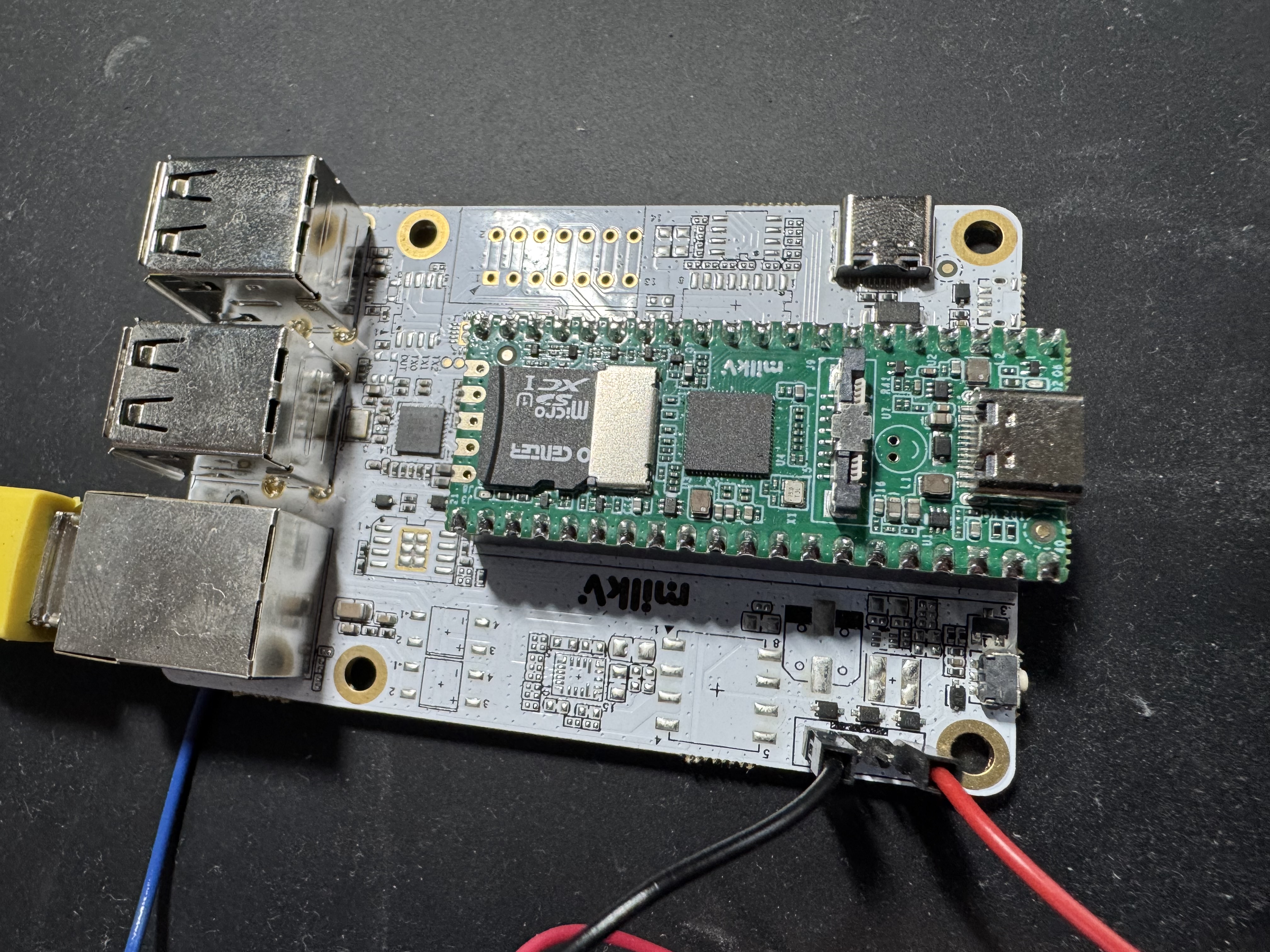
There’s a nifty little I/O board it slots into to provide an ethernet jack.

For the lightbulb, I used a Philips Hue bulb. At first I tried connecting to the bulb directly using Bluetooth, which is technically possible but ended up being a nightmare to control. Philips does not seem to provide much in the way of documentation and I wasted an evening trying to discover how to properly issue commands to change the color via Bluetooth. It didn’t go very well and seemed to reset itself with a new address whenever I messed up. I gave in and got a Hue Bridge which improved things considerably; I can control my various bulbs by speaking REST with the Bridge and I can share control of the bulbs with my wife.
Changing Colors
You can communicate with the bridge once you set up an access token and list the lights. For example to change the light to purple:
curl -X "PUT" "http://192.168.0.243/api/tVTa1awO2G2vuBasnZk72c/lights/5/state" \
-H 'Content-Type: application/json' \
-d $'{
"bri": 254,
"hue": 50000,
"sat": 254,
"on": true
}'
And to change it to red, a hue value of 2000 does nicely.
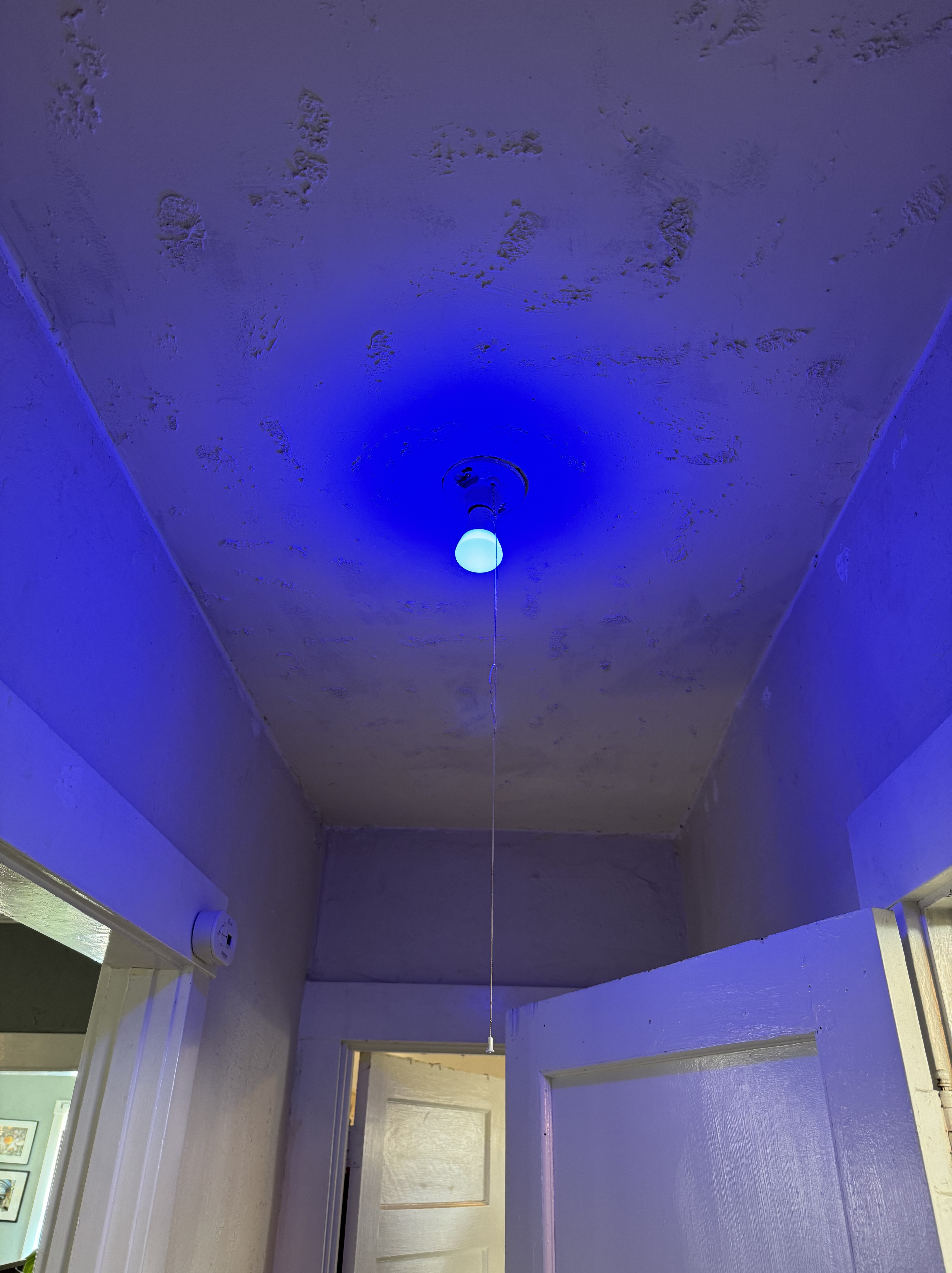
The Button
I prototyped the input on a breadboard with a tiny switch I had lying around first.

But for a system like this you absolutely need a more sizable solid button with a light on it so you know when it’s active. After extensive searching I found this nice button and a housing it fits in perfectly.
Once it arrived, I connected up the Button of Moderate Gravitas.

Software
The other piece of the project was creating some software to run on the Milk-V. What it needs to do:
- Open a GPIO (general-purpose input/output) pin on the circuit board to be our input.
- Open a GPIO pin to be output, this will control the LED inside the button to show if it’s red or not.
- The hardware switch (the button) will determine if high or low voltage is connected to the input pin so we can decide what color the lightbulb should be.
- Send a HTTP request to the Hue bridge to tell it to change colors.
With some experimentation and help from ChatGPT, I created a Rust program that makes use of the gpio_cdev library to use the newer linux /dev/gpiochip0 GPIO user-space interface.
It’s not too hard to build the application for the Milk-V. You can cross-compile it and static link it to produce a self-contained binary that will run on a RISC-V system.
You need to create a .cargo/config.toml file with:
[target.riscv64gc-unknown-linux-gnu]
rustflags = ["-C", "target-feature=+crt-static"]
linker = "riscv64-linux-gnu-gcc"
And build it with:
cargo build --target riscv64gc-unknown-linux-gnu Operating System
Getting an OS image for the Milk-V duo took a bit of effort. They provide a buildroot system you can customize if desired. This wasn’t too bad but it took me a few tries to figure out how to copy over the binary to the system. It runs busybox and dropbear, a very lightweight system and SSH server which doesn’t support SFTP. But you can SCP it over using the -O flag which uses an older method to send a file over SSH to the target device:
scp -O target/riscv64gc-unknown-linux-gnu/release/lite root@milkv-duo:~/lite
Then all that remains is to create an initscript to start the program on boot. Now you have a sweet button to change the color of a lightbulb somewhere else.
 Mischa Spiegelmock